Guide for Attention Light Reset
Follow the steps below to reset the Attention Light on the iSeries (i5, System i) system.
You will require a profile setup in DST/SST that allows access to process the steps.
- Start System Service Tools
STRSST
System Service Tools

- Select option 1. Start a service tool
Start a Service Tool
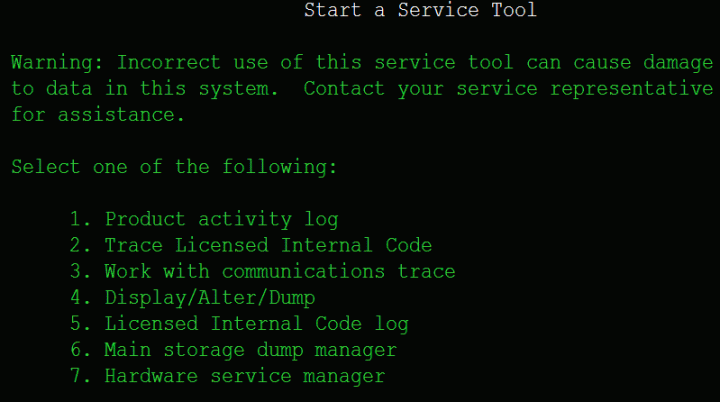
- Select option 7. Hardware service manager
Hardware Service Manager options

- Select option 6. Work with service action log
Service Action log Timeframe selection

- Select a time frame that will show all possible entries to work with
Service Action Log report

- There should be a F6 function to acknowledge all errors. If you press it the attention light should go out.

|
|

 Data Systems Management